In this User Guide, we will take you through the improved handling of FMC filing for Quick Quotes and Quick Quotes Spot bookings in FMC relevant scope — both during and after a booking within 48 hours of booking confirmation.
You can directly provide the FMC-relevant information during the Booking flow when you confirm an FMC-relevant Quick Quotes Spot offer and make a booking with us.
To do so, go to the Online Business Suite, click on New Quote in the navigation, and upon an accepted Quick Quotes Spot (QQS) offer, make a booking thereafter. Continue to enter your booking details.
In Step 5 of the Booking flow you can enter your FMC related information.

If you choose the NVOCC option, there are two scenarios.
Scenario A: Your account is linked to a FMC license number in our system already
In that case, you will see a green confirmation with the respective liicense number and the filing process for your booking will be executed automatically.

Scenario B: Your FMC License Number is Not Available
In that case, you will see a yellow banner. You will have to contact our Sales Team in order to update the necessary data. For this, you willhave 48 hours. In case you do not provide us with the license, we have the right to revoke your booking.

If you choose the Agent option you can either upload the LoA immediately or proceed with your booking and upload the LoA later on. To upload the LoA you must use the standard LoA format as it is in our template. The upload process may take a few minutes. Please be patient and do not refresh the page.

Please bear in mind, that the upload of LoA must be completet within 48 hours, otherwise the booking will be automatically cancelled and charged to the account.
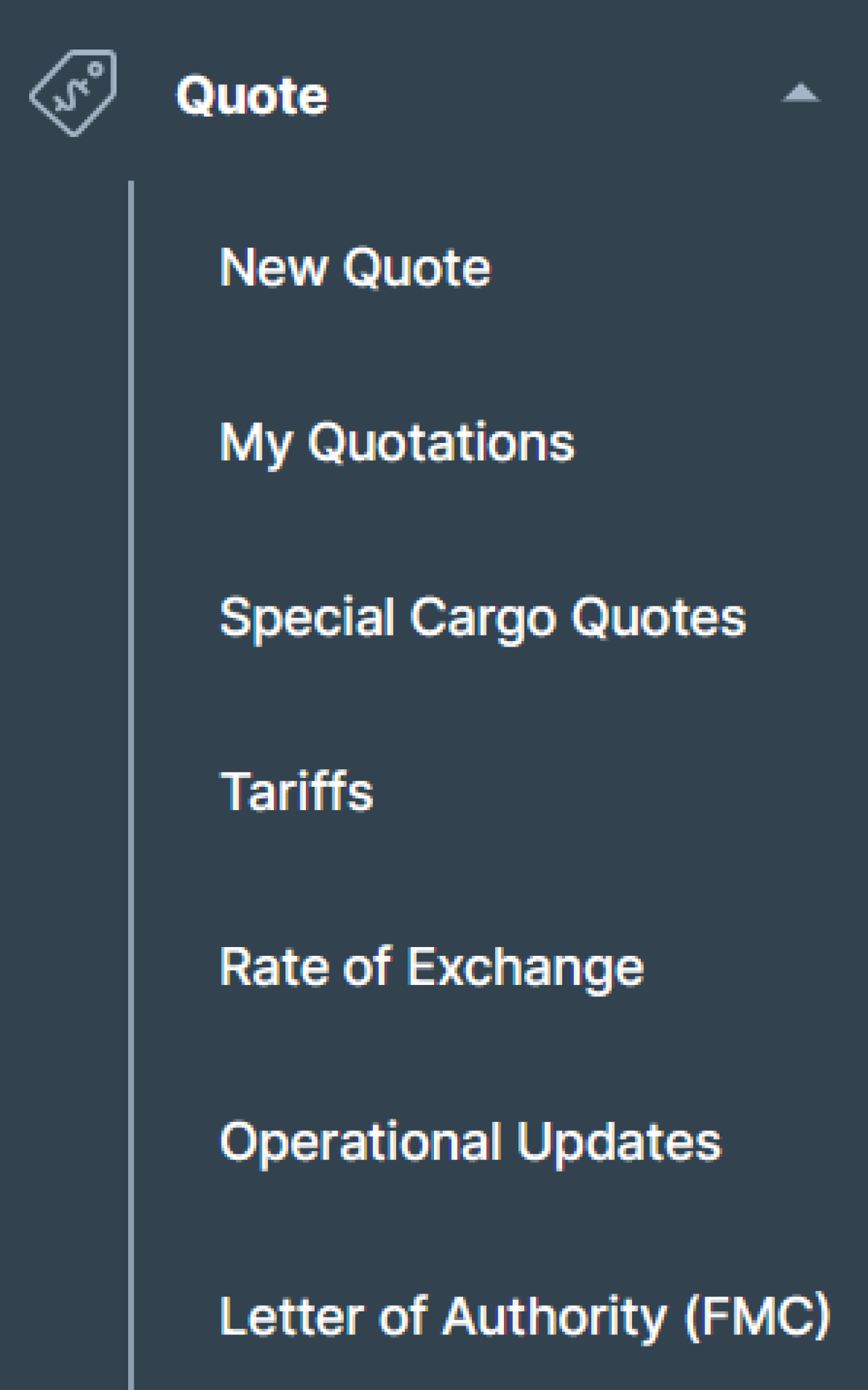
To upload the Letter of Authority for FMC trade bookings once your Quick Quotes Spot booking is completed, access the Online Business Suite and click on Quote in the Navigation. From the menu, select Letter of Authority (FMC).
Please note: This process is only applicable, if you are acting as an agent on behalf of NVOCC or Cargo Owner. The process can be completed either during the booking or after it has been completed.
If you are acting as a NVO registered with the FMC, you must provide the required filing within 48 hours. Please do so by contacting your Sales or Customer Service Representative.
To upload the LoA for the shipment, please enter the respective booking or quotation number. By providing the Booking or Quotation Number, we will automatically run a check to see if your booking qualifies.
Please choose the applicable item.

After providing your Booking Number, you can see the Booking Details including Custmer Reference, Main Vessel, Port of Loading, ETD, and Port of Discharge.

Now, you can choose how to proceed with the upload of your documents.
1. You can either use an existing document, that was uploaded before and re-use it.
Please note: To re-use a document you must make sure that the validity is compliant with the Quotation validity.
2. Use the Template Section to upload a new document.

If you chose option 1, you will see a list of all previously uploaded Letters of Authority.
Select the one you want to use and click on "Preview" to double-check the data.


After selecting your preferred document, you can submit the LoA by clicking on "Submit Letter of Authority FMC".
For eligible shipments, we are providing you with an editable template, that you can use. Simply download the template, fill the required details in and go on to the next step.

Whether you have used the template or already had a valid Letter of Authority FMC document, you can now upload it directly to our website.
Please note: The document has to be signed with an authorized signature. You can only upload .pdf files that have a maximum file size of 20MB.

Lastly, confirm that the LoA was signed by an authorized person by checking the box and click on "Submit Letter of Authority FMC".
